Erf3j80h Bluetooth Voice Remote
Replacement For Hisense 4k Uhd Android Smart Tvs
USD $13.49
Condition : New
Free Shipping
{{variant_type_name}} :

Notify me when the price drops
We will email you if we find a lower price on this product!
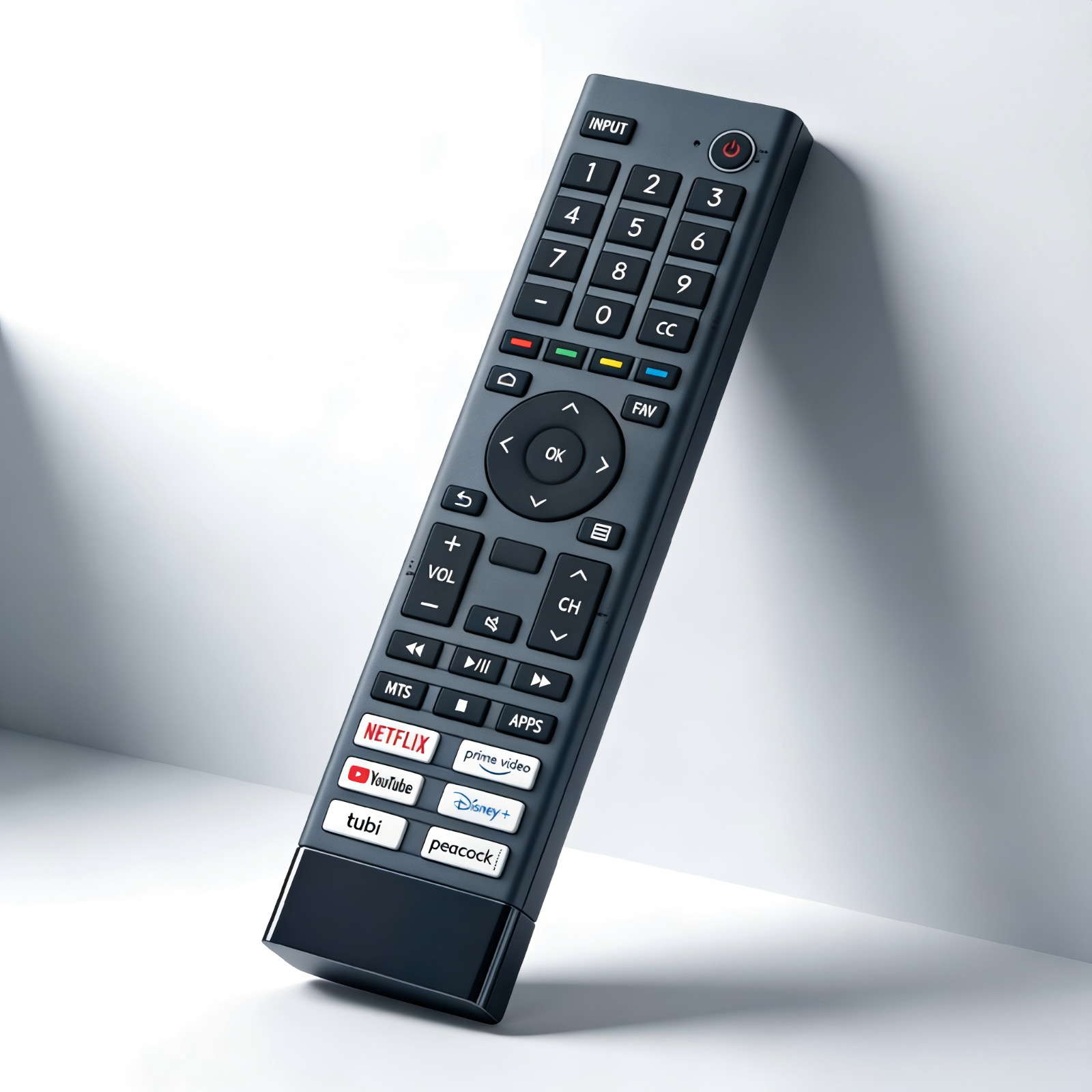
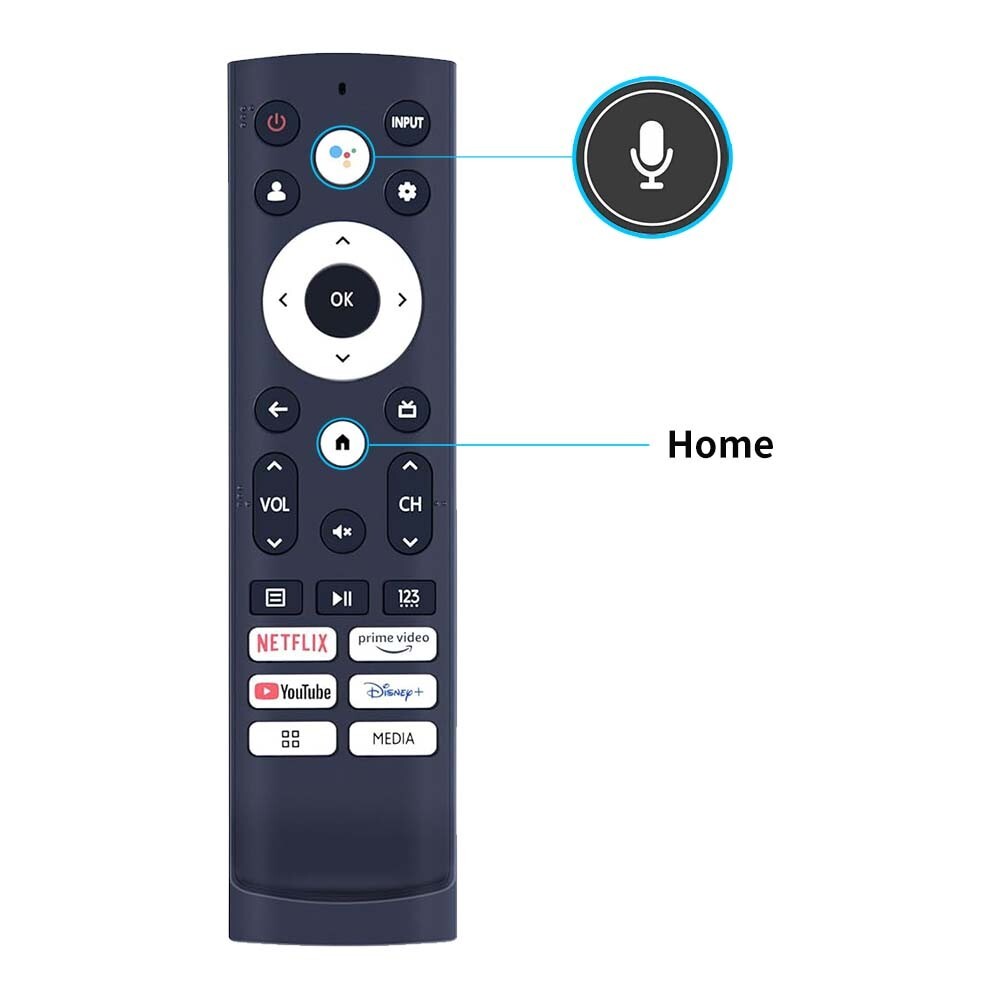
ERF3J80H Dedicated Replacement Voice Remote for Hisense TVsⅠ.List of Universally Compatible TV ModelsIt is also compatible with multiple series of Hisense smart TVs, covering mainstream sizes and models, including:
Ⅱ. Voice Pairing Guide: Easy Activation in 3 StepsAs a voice remote, it needs to be paired with the TV before first use. The whole process takes only 2 minutes, and you need to prepare 2 AAA dry batteries in advance:1. Pairing PreparationOpen the battery compartment on the back of the remote, insert the batteries according to the positive and negative markings. The indicator light will turn on briefly after closing the compartment. At the same time, ensure the Hisense TV is in power-on state (not standby mode), and place the remote within 10 feet of the TV to avoid obstruction.2. Start PairingPress and hold the "Menu Button" (marked with "Menu" or "≡" icon) at the top of the remote for at least 3 seconds until the indicator light starts to flash slowly. At this point, the TV will automatically enter the remote pairing mode.3. Confirm Pairing ResultⅢ. Package Contents & After-Sales Guarantee1. Package Contents1* ERF3J80H Voice Remote for Hisense TVs (batteries not included).2. After-Sales Service & ConsultationIf you are unsure whether the remote is compatible with your home TV, you can leave a message at any time with a photo of the model label on the back of the TV, and the customer service will verify compatibility with you one-on-one.
Ⅱ. Voice Pairing Guide: Easy Activation in 3 StepsAs a voice remote, it needs to be paired with the TV before first use. The whole process takes only 2 minutes, and you need to prepare 2 AAA dry batteries in advance:1. Pairing PreparationOpen the battery compartment on the back of the remote, insert the batteries according to the positive and negative markings. The indicator light will turn on briefly after closing the compartment. At the same time, ensure the Hisense TV is in power-on state (not standby mode), and place the remote within 10 feet of the TV to avoid obstruction.2. Start PairingPress and hold the "Menu Button" (marked with "Menu" or "≡" icon) at the top of the remote for at least 3 seconds until the indicator light starts to flash slowly. At this point, the TV will automatically enter the remote pairing mode.3. Confirm Pairing ResultⅢ. Package Contents & After-Sales Guarantee1. Package Contents1* ERF3J80H Voice Remote for Hisense TVs (batteries not included).2. After-Sales Service & ConsultationIf you are unsure whether the remote is compatible with your home TV, you can leave a message at any time with a photo of the model label on the back of the TV, and the customer service will verify compatibility with you one-on-one.
Price type
IN STOCK
OUT STOCK







 .
